
Practice settings
Practice name, branding, default export templates and team preferences.
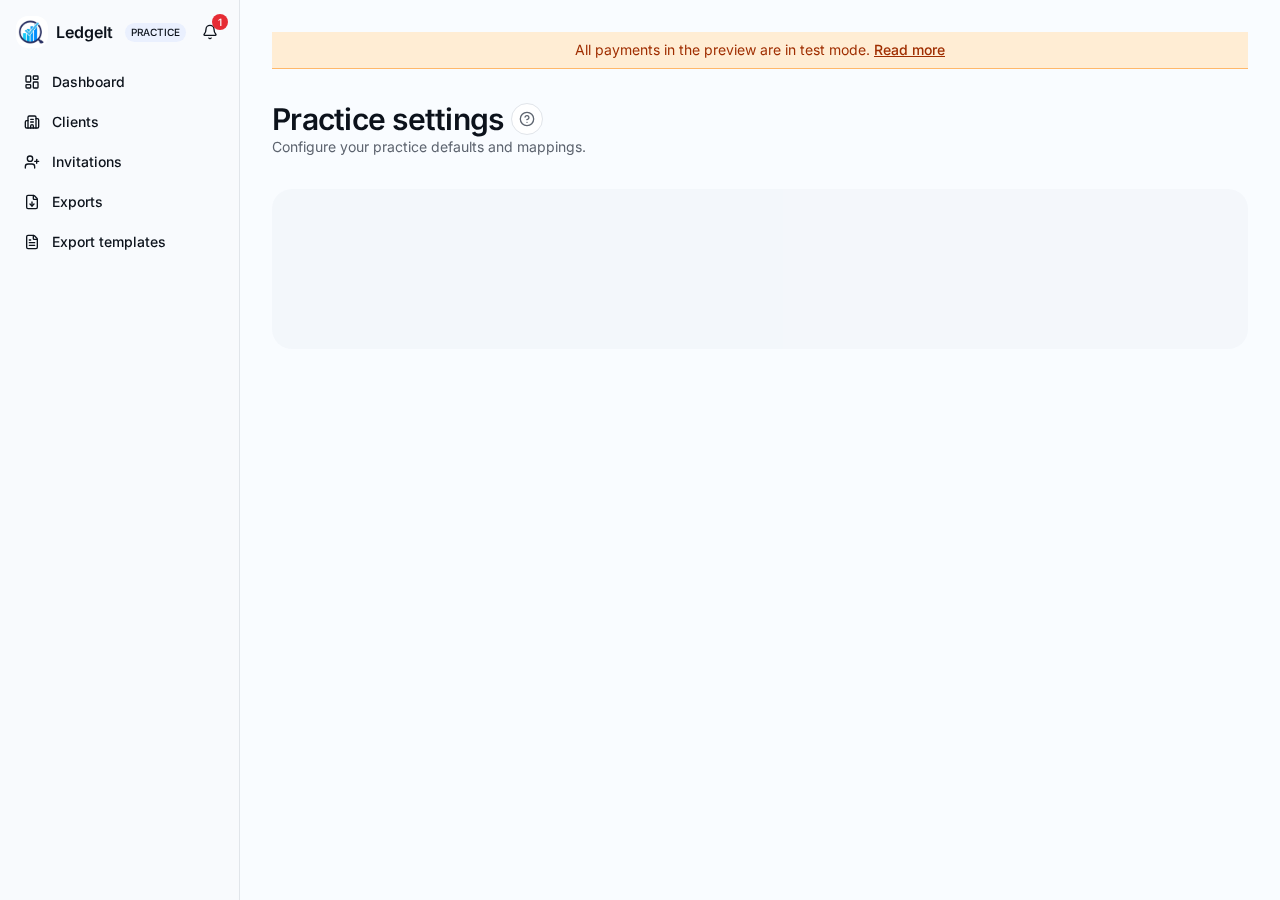
Open Practice → Settings. Settings here apply across every client in your practice.
Practice profile
- Practice name — shown on client-facing invitation emails.
- Primary contact — the email address invitation replies go to.
- Website and phone — optional; appear on the client's Sharing screen.
Defaults
- Default export template — the template pre-selected when you open a client export screen. Change it any time.
- Date range default — This month, Last month, This quarter, Tax year to date.
Practice team
Add colleagues from your firm as practice members so they can see and export clients too. Roles work the same as on the business side — owner, accountant, employee — but scoped to the practice.