
Exporting client data
Bulk export a client's receipts, expenses and mileage in the format your bookkeeping software expects.
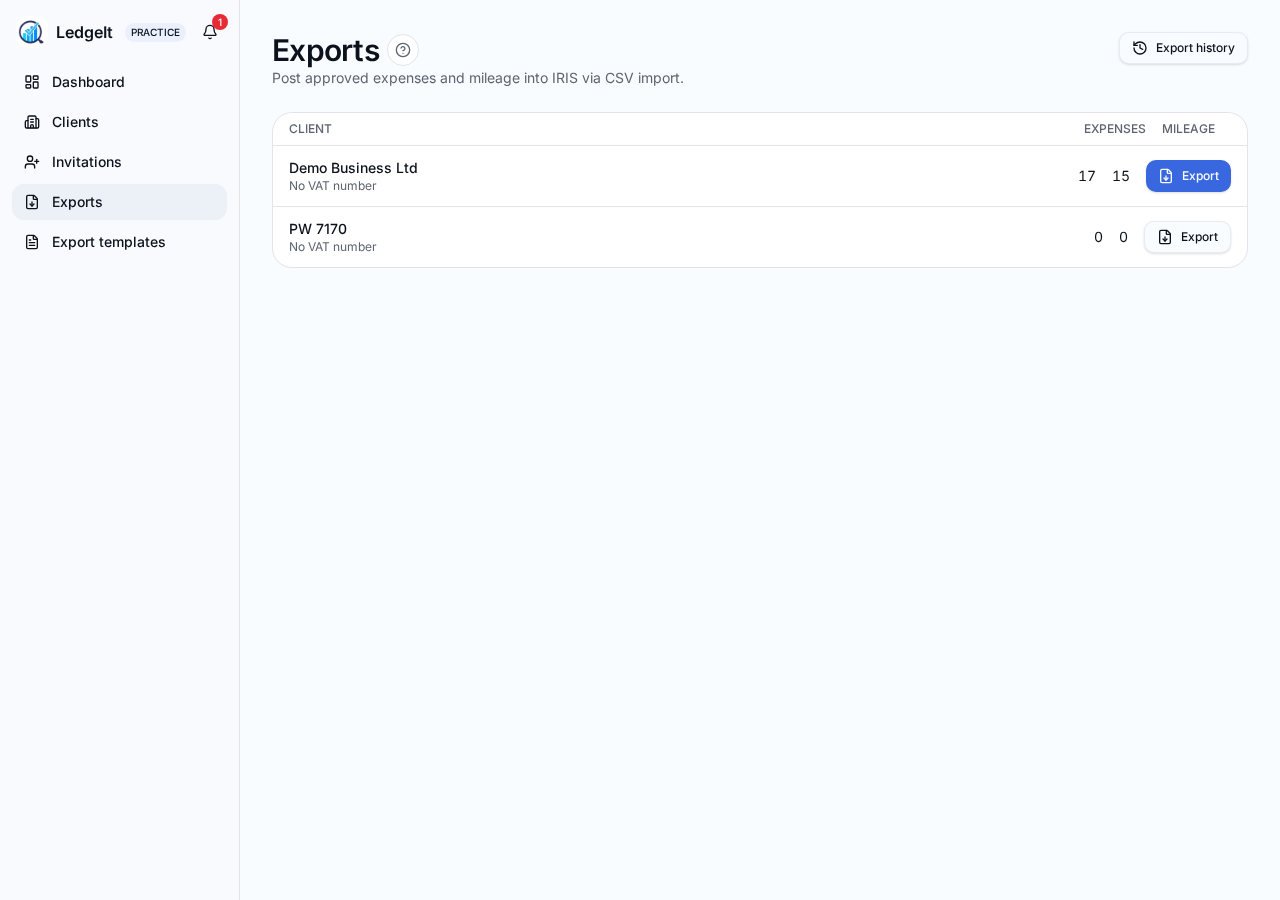
From Practice → Clients, open a client and tap Export to run a bulk export.
What you can export
- Receipts (with links to the original images).
- Expenses (all approved items in the range).
- Mileage journeys (with HMRC-rate totals).
- VAT return figures (Box 4 and Box 7) for a chosen VAT period.
Running an export
- Pick a template (see Export templates).
- Pick a date range — presets for tax year, quarter or month, or a custom range.
- Optionally filter by category or cost centre.
- Tap Export — LedgeIt generates a CSV (or ZIP if receipt images are included) and downloads it.
Bulk export across clients
From Practice → Exports you can queue up the same export for many clients at once. Each client's file lands in the ZIP under their business name, so you can hand a folder straight to a colleague or upload it in batch.
Audit trail
Every export is logged with the user, template, date range and time. Open Practice → Exports to see the history and re-download recent files (kept for 30 days).