
Export templates
Reusable export templates for IRIS, KashFlow, Xero, QuickBooks, Sage, FreeAgent and generic CSV.
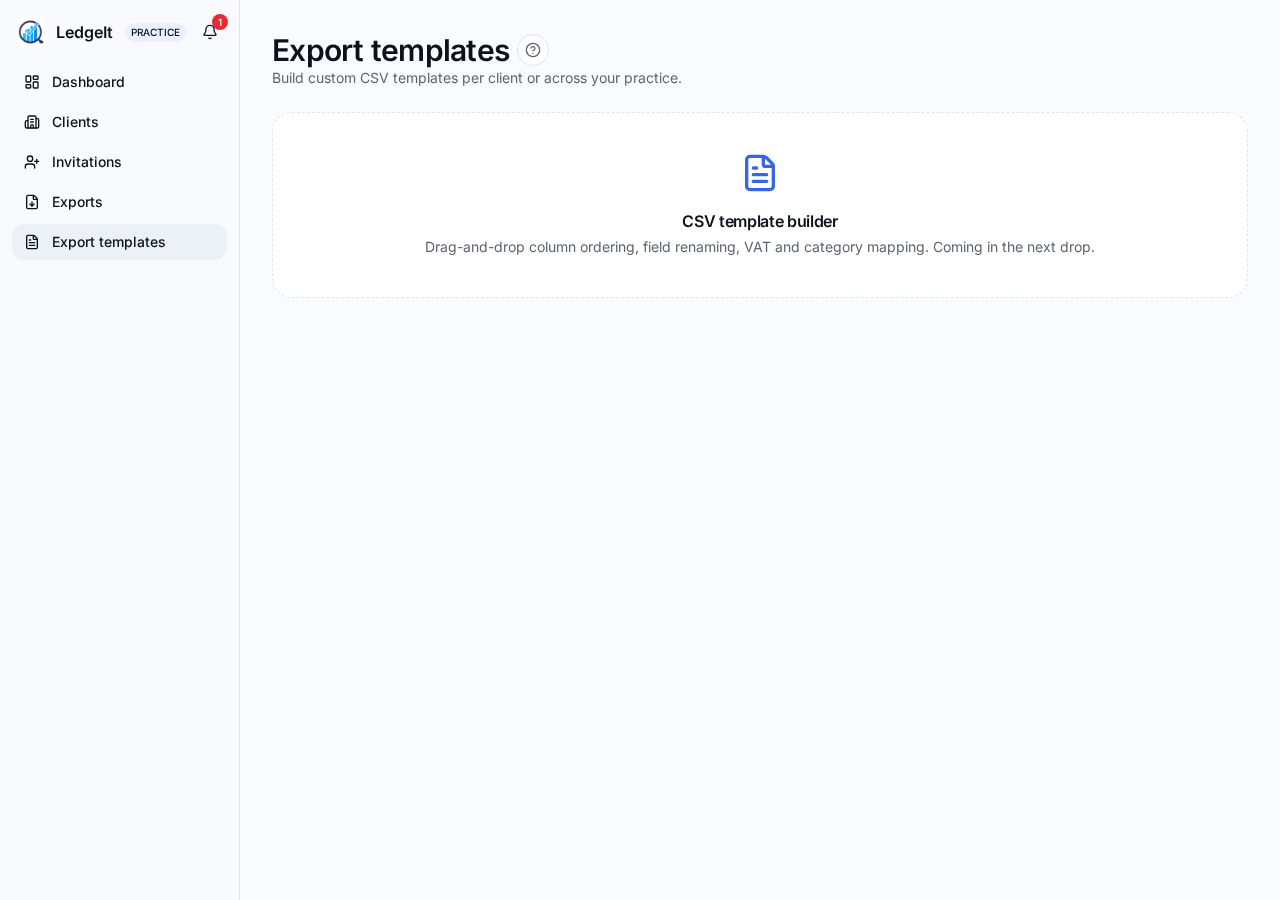
Templates map LedgeIt's data (supplier, date, category, VAT, gross) onto the exact columns your bookkeeping software expects. Manage them from Practice → Templates.
Built-in templates
- IRIS Accounts Production / Elements / Cashbook
- IRIS KashFlow
- Xero
- QuickBooks Online
- Sage
- FreeAgent
- Generic CSV — spreadsheet-friendly, works with Excel and Google Sheets.
Custom templates
- Tap New template.
- Give it a name (e.g. "Smith & Co — Xero mapping").
- Pick the destination format and adjust the column mapping.
- Save. It's available for every client on your practice from the export screen.
Editing and deletion
- Built-in templates can be duplicated but not edited or deleted — your customised copy is a new template.
- Deleting a custom template does not affect exports already downloaded — it just removes it from the picker.