
Inviting clients (accountants)
Add clients to your practice, track invite status and manage seat usage.
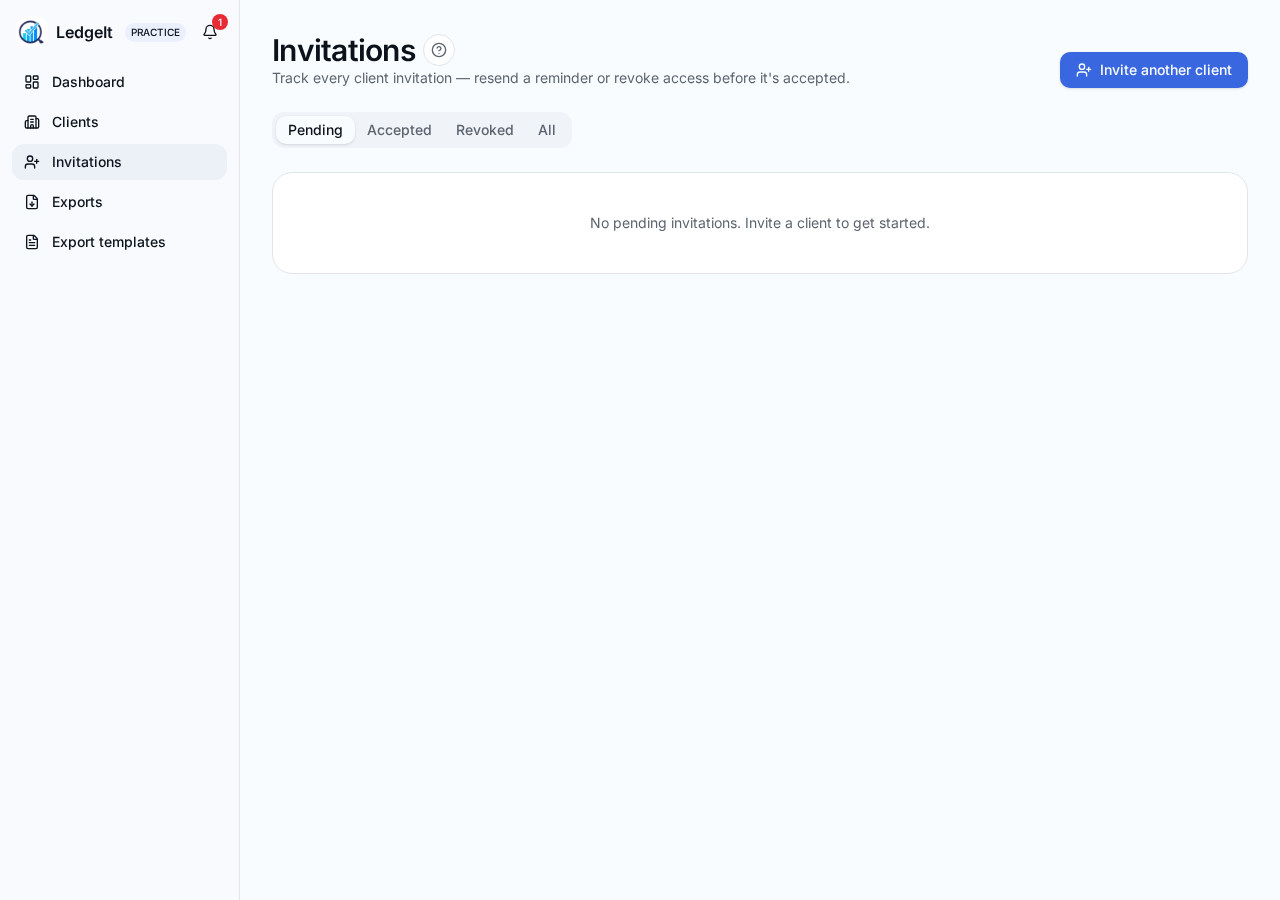
From the Practice dashboard, click Invite another client. Enter their business name, contact person and email address. LedgeIt sends the invitation email straight away.
Invite lifecycle
- Pending — sent, not yet accepted. Resend or revoke from the client row.
- Accepted — the client has created their account and started using LedgeIt.
- Expired — 14 days elapsed with no acceptance. Send a fresh invite from the same row.
Seats and plans
- Starter — up to 20 client seats.
- Practice — up to 50 client seats.
- Unlimited — no seat cap.
A seat is taken when a client accepts. Pending and expired invites don't count against your seat total. If you hit your cap, upgrade from Billing.
Bulk export for a client
Open a client from the Clients list and use Export to pick a destination (Generic CSV, IRIS, Xero, QuickBooks, Sage, FreeAgent, KashFlow) and a date range. Step-by-step guides for each destination are inside the app at Practice → Help.